
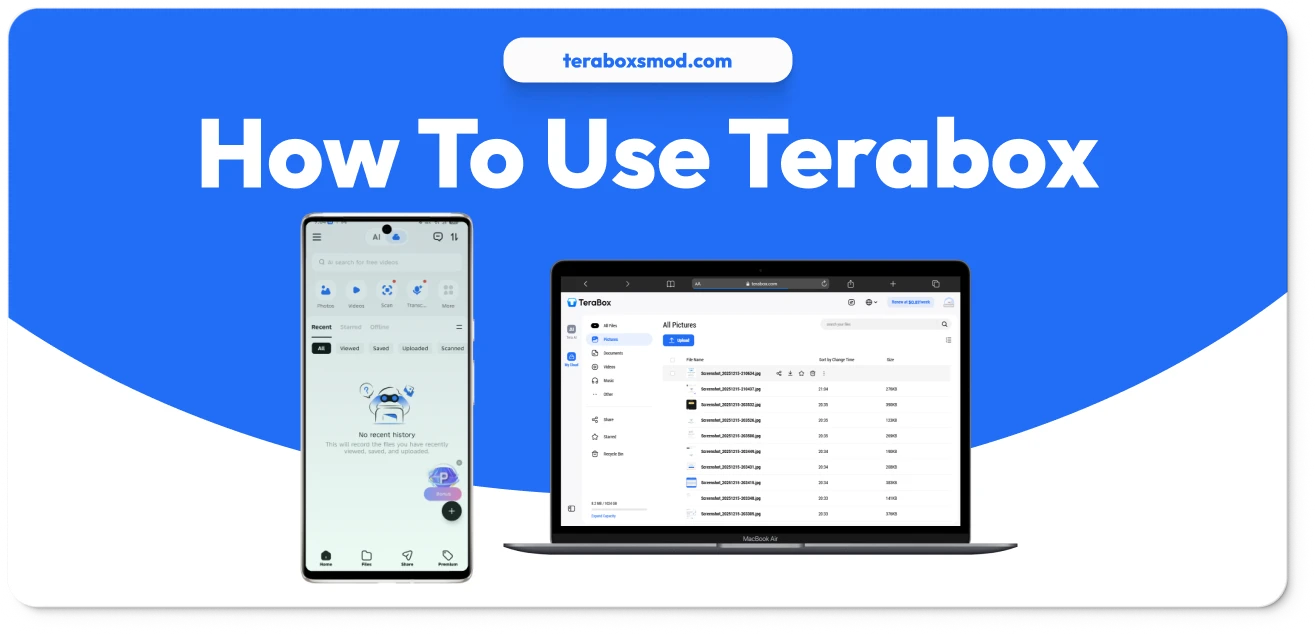
How to Use Terabox in 2026 | Complete Guide to Free 1TB Cloud Storage
We have all been there: you are trying to record a video of a special moment, or maybe download a new game, and your phone freezes. The message pops up: “Storage Full.” It is frustrating, annoying, and often happens at the worst possible time. While buying a new phone or an expensive SD card is one solution, the smarter choice is using cloud storage.
Terabox has become the go-to solution for millions of users worldwide because it offers what no one else does: 1024 GB (1 TB) of free storage for life. But having 1TB is one thing; knowing how to use it effectively is another. Whether you are a complete beginner or looking to master advanced features like Remote Upload and Personal Vault, this guide will walk you through every single step. By the end of this article, you will be a Terabox expert, managing your digital life with ease and efficiency.
What is Terabox and Why Should You Use It?
Before diving into the “How-To,” it is essential to understand the tool. Terabox is a secure cloud storage service that lets you save photos, videos, documents, and other files on the internet rather than on your device’s internal memory.
Think of it as a digital safety deposit box. Once you upload a file to Terabox, you can delete it from your phone to free up space, yet still access it instantly from any device—be it an iPhone, Android, or PC. It is perfect for backing up photo libraries, sharing massive video files that are too big for email, and protecting your data from device theft or damage.
Creating Your Terabox Account
To unlock your free 1TB, you first need a “key”—your account. Terabox makes the sign-up process incredibly simple and supports multiple login methods for your convenience.
Sign Up Methods
How to Upload Files and Folders
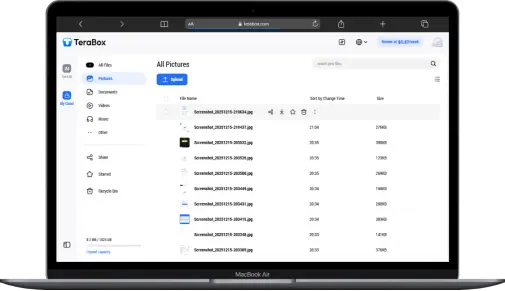
Now that you have the space, it is time to fill it up. Uploading is the process of moving files from your device to the Terabox cloud.
Uploading on Android & iOS
Uploading on PC (Web & Desktop App)
Managing files on a computer offers more control.
How to Share Large Files
Terabox is one of the best tools for sharing large files because it supports file transfers up to 20GB—far more than Gmail (25MB) or WhatsApp (100MB).
Generating Shareable Links
Advanced Features You Should Know
To truly master Terabox, you should use these “Power User” tools that distinguish it from basic storage apps.
Remote Upload (Save from Links)
This is a magical feature. If you have a download link for a movie or file from another website (HTTP/HTTPS/Magnet link), you don’t need to download it to your phone first.
Personal Vault (Secure Your Data)
For sensitive files like ID cards or private photos:
How to Download Files from Terabox
Retrieving your files is just as easy as uploading them.
Downloading to Device
Terabox FAQ Common Questions
Terabox Conclusion
Learning how to use Terabox effectively is like unlocking a superpower for your digital life. You no longer have to worry about limited phone storage, you can share massive files with a single click, and you have a secure, automated backup system protecting your memories 24/7.
Whether you are a student saving assignments, a parent archiving family videos, or a professional managing work documents, Terabox provides the tools you need. Start by setting up your Automatic Backup today—your future self will thank you when you never lose a precious photo again.